
Guest
Checkout
A press when the guest leaves reports checkout to the team.
Departure reported
Notify the team, update a supported status or start a configured StayAssist workflow.

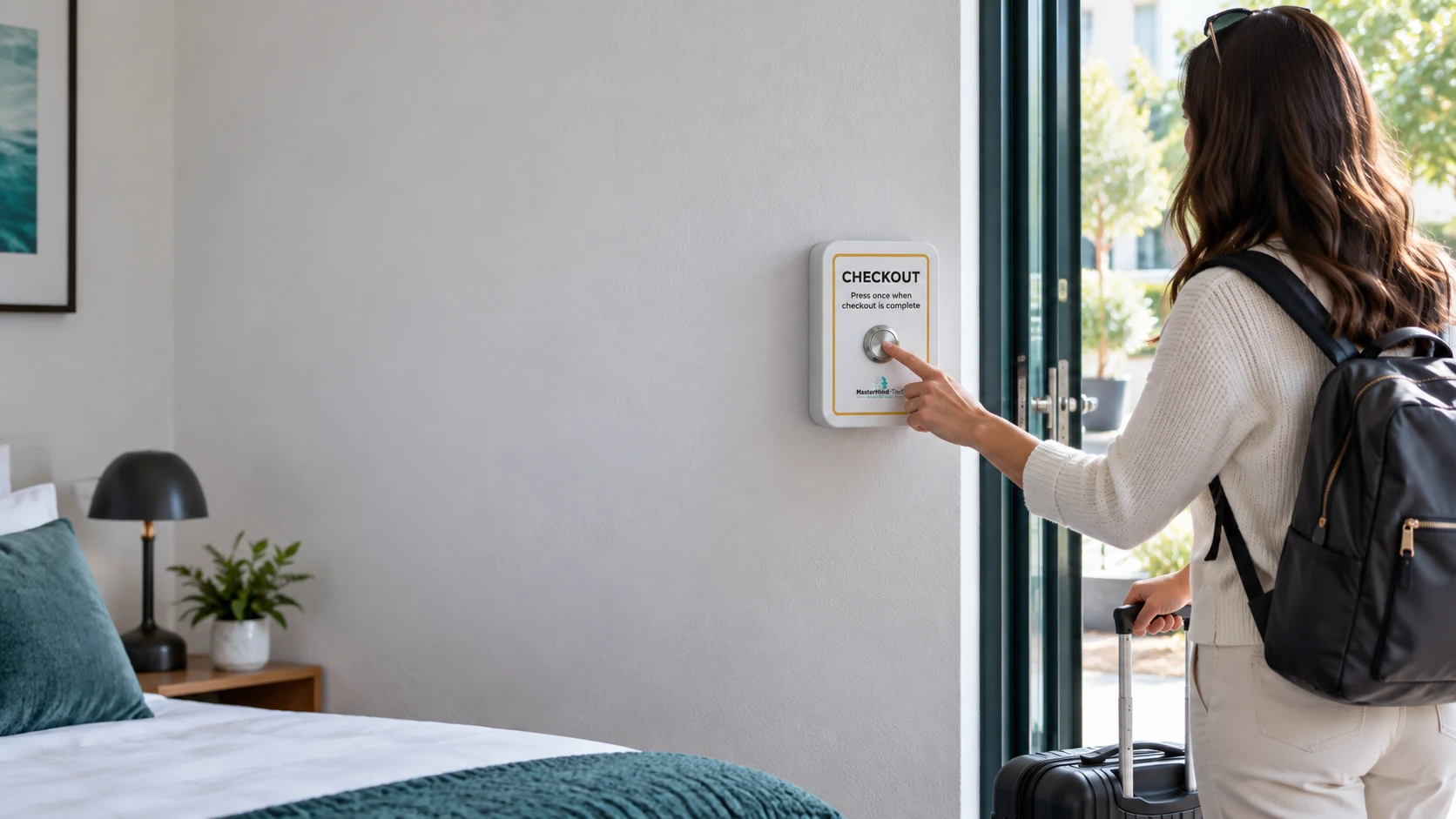
One press.
The next step can happen automatically.
Physical buttons for checkout, cleaning completion and guest call requests. Notify your team, update checkout and cleaning status where supported, and start StayAssist workflows from a simple press.
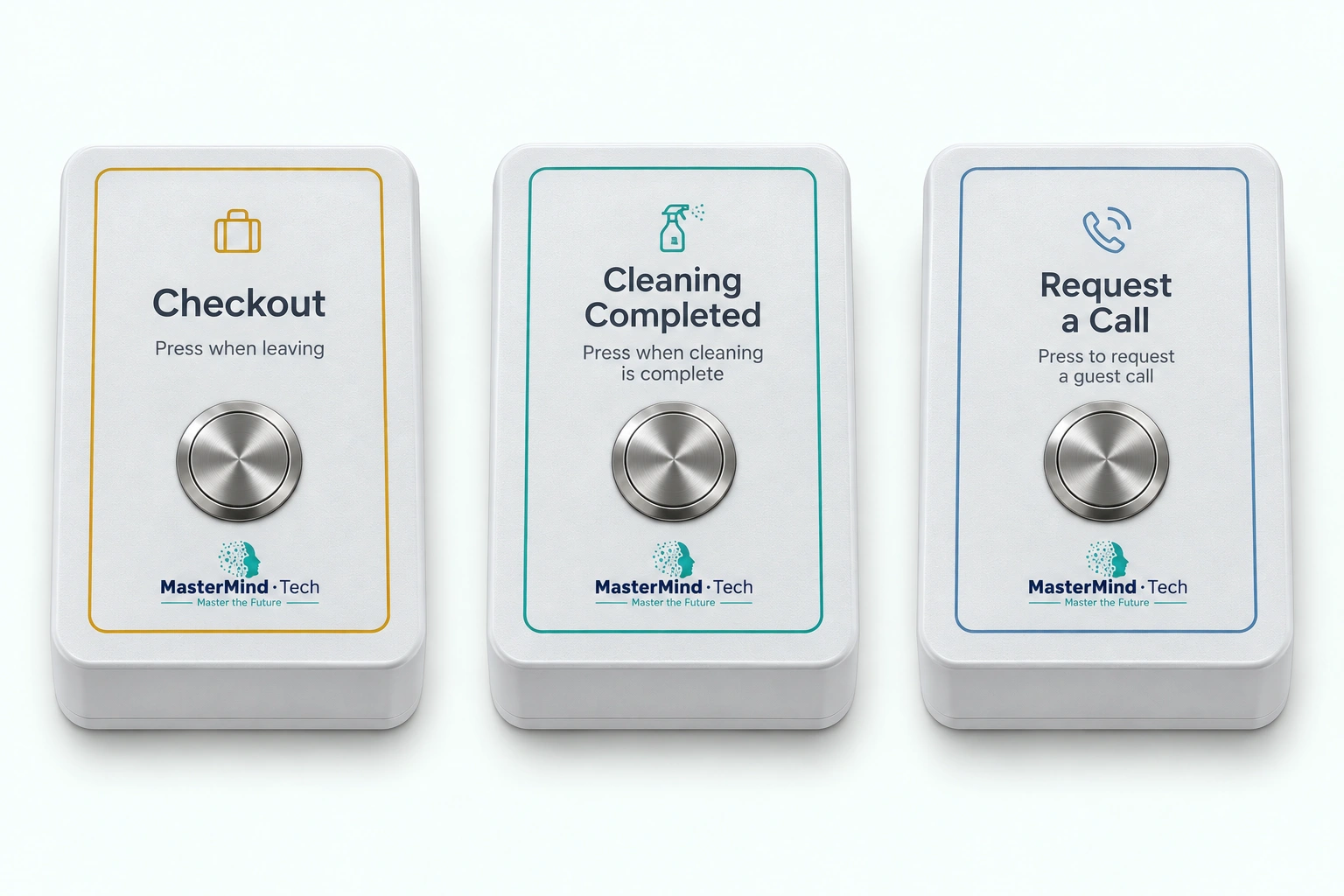
The same enclosure family, with a clear role for the person at the property.
A press when the guest leaves reports checkout to the team.
Notify the team, update a supported status or start a configured StayAssist workflow.
A press when cleaning is complete marks the property as ready.
Inform the team, update a supported clean/ready state or contact the next guest through StayAssist.
A press asks StayAssist to call the guest on the current reservation.
Uses the contact details available for the current reservation.
StayAlert connects a button's role and property assignment with the next steps configured for your operation.
An event at the property
The button's operational role
The device's assignment
The follow-up in your setup
Keep the team informed in the platform and through native notifications.
Where the connected provider and API allow it.
Add guest and team communication around the signal.
StayAlert signals.
StayAssist communicates and orchestrates.
Connect a reported departure with the team preparing the property, then use cleaning completion to inform what happens next.
When the guest presses Checkout, StayAlert can notify housekeeping or a manager that cleaning can begin. It can also update your PMS where supported or start a StayAssist workflow.
StayAlert event
Push / email or configured workflow
The next handoff
The housekeeping team presses Cleaning Completed when the property is ready. That signal can inform managers and update a supported clean or ready state in the PMS.
Cleaning complete
Give guests a physical way to request assistance without finding a phone number, opening an app or starting a chat.
A press prompts StayAssist to immediately attempt the configured call to the guest on the property's current reservation.
Uses the guest contact information available for the current reservation.
Checkout and cleaning-ready signals can update supported PMS states. Available reservation details can also guide guest communication through StayAssist.
Available updates depend on the connected provider, its API and the permissions in your setup.
Explore integrationsWall-mounted buttons, direct Wi-Fi and a clear property assignment. No electrician or StayControl gateway required.
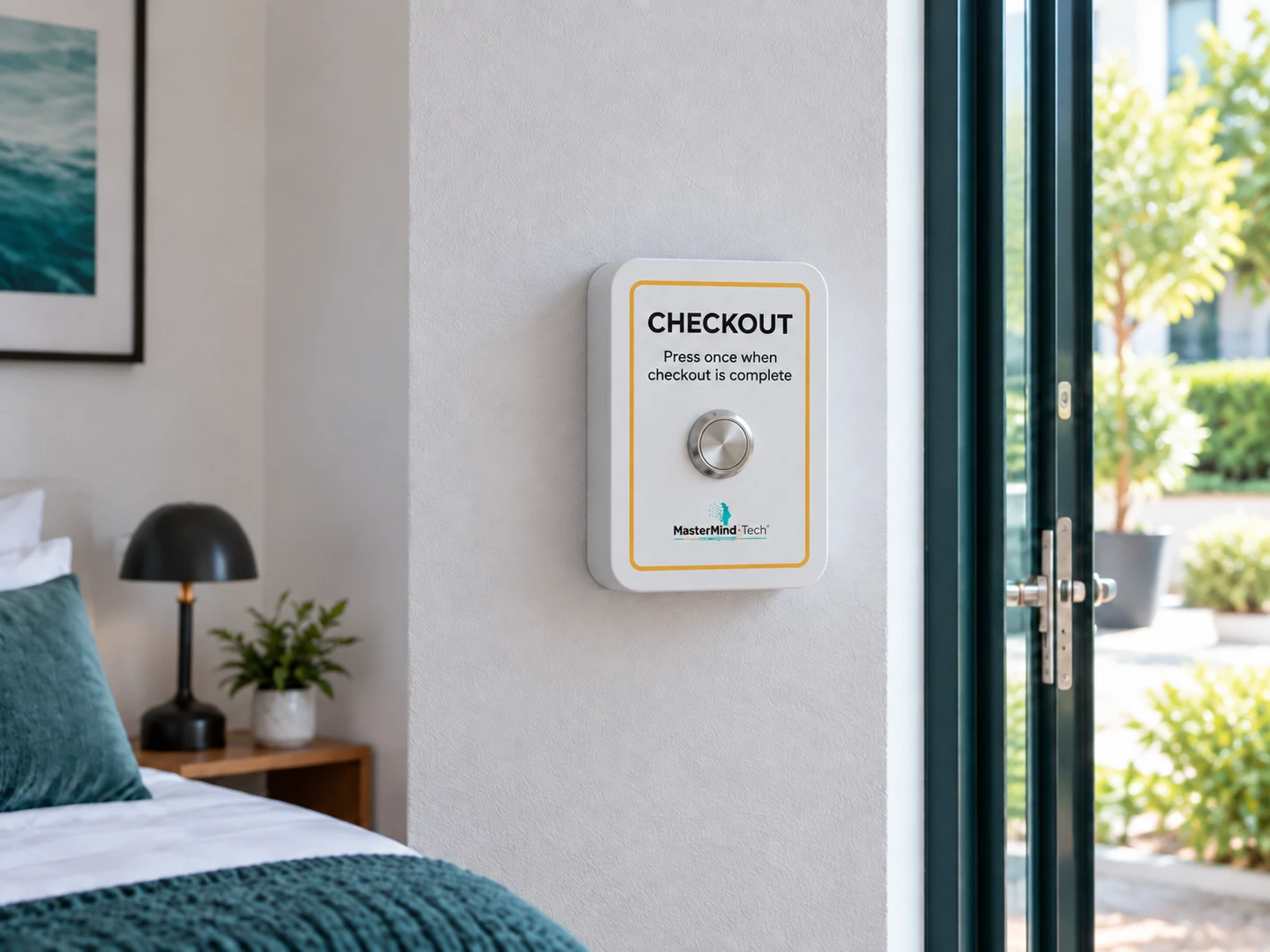
Mount with adhesive or screws in a suitable place for the button's role.
Fit four replaceable AA alkaline batteries and configure the Wi-Fi connection.
Assign the device to the correct property or room and button role in the MasterMind platform.
Four replaceable AA alkaline batteries. Battery life depends on use and operating conditions.
Online support and guided setup are free. On-site installation and onboarding by MasterMind are available as paid services.
Discuss your setupReview native checkout and cleaning events by device and date, alongside the assignments and preferences that keep each button connected to the right property.
| Received | Property / room | Button role | Event |
|---|---|---|---|
| Apartment 04 | Checkout | Checkout reported | |
| Apartment 04 | Cleaning Completed | Property ready |
An event record does not confirm that a notification was delivered or a follow-up action completed.
StayAssist keeps its own call and workflow history.
Buy StayAlert once for native operational signals. Add StayAssist communication and workflows where your operation needs them.
StayAssist calls and messages are charged separately on a pay-per-use basis.
Button roles, connectivity, setup and what happens after a press.
Discuss your setupCheckout reports departure. Cleaning Completed marks the property as ready. Request a Call asks StayAssist to attempt the configured call to the current reservation guest. The three roles use the same enclosure family with distinct labels, icons and colors.
No. It reports checkout when pressed; it does not independently sense vacancy or identify the person pressing it.
The Cleaning Completed Button signals that cleaning is complete and the property is ready. It can notify the team, update your PMS where supported and start a configured StayAssist workflow to contact the next guest. It does not add a separate inspection or maintenance-clearance step.
Yes. When the property is ready early, available reservation details can guide StayAssist to contact the next guest and offer early check-in where configured. Whether an offer is appropriate, and whether it is paid, depends on your setup.
Yes. StayAlert has native push, email and platform event history. StayAssist adds configured calls, SMS, WhatsApp and workflow follow-up. The Request a Call role uses StayAssist for its call attempt.
Yes, where the connected PMS and its API support the relevant operation. Checkout can update a supported checkout or status field, and cleaning completion can update a supported clean or ready state. Available fields and permissions depend on the provider.
StayAssist immediately attempts the configured call to the guest on the property's current reservation. It uses the available guest contact information; a request does not guarantee that the call is answered.
No app is needed to press a StayAlert button. For Request a Call, StayAssist calls the contact associated with the current reservation; the guest needs to be reachable on that phone.
Mount it with adhesive or screws, fit four replaceable AA alkaline batteries, configure Wi-Fi and assign the property or room and button role. It connects directly through Wi-Fi without a StayControl gateway or an electrician.
Approximately 3 years. Battery life depends on use and operating conditions. StayAlert uses four replaceable AA alkaline batteries.
StayAlert needs Wi-Fi connectivity to send an event to the platform. It can retry sending an event, but does not store events indefinitely. A prolonged outage can prevent delivery.
StayAlert is a one-time hardware purchase with no recurring hardware subscription. Volume pricing is available. Online support and guided setup are free; MasterMind on-site installation and onboarding are paid services. StayAssist communication is charged separately on a pay-per-use basis.
Talk through your properties, button roles and the follow-up your team needs.