
Sensors before AI
Physical sensing comes first. For smoke-related incidents, dedicated multi-sensor verification helps confirm an event before software intelligence adds context.

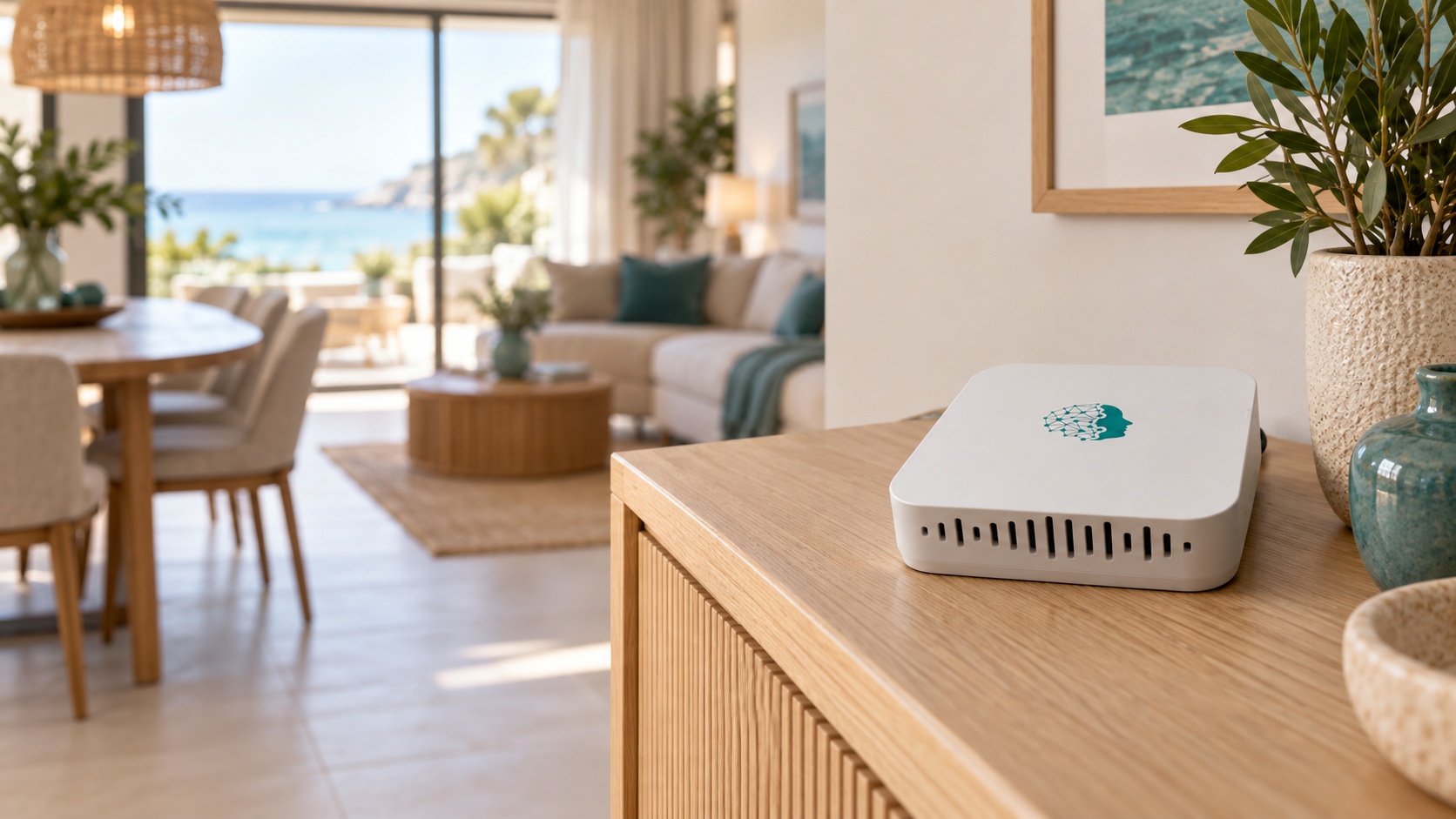
Know more about the room without intruding on the stay.
A room monitor for noise, smoke, occupancy and indoor conditions, designed for continuous operation. Turn property signals into clear records and responses your team can act on.
StayControl runs from mains power, so it does not need battery-saving sleep cycles. Frequent monitoring matters when noise or smoking events may be brief.
Capture room and network signals
Measure noise, smoke and indoor conditions
Send measurements to the platform over Wi-Fi
Apply signal context and configured rules
Create incident records and send included email and push alerts
Build the response path your operation needs
Reach the guest, a manager or another configured recipient
Set the supported channel, timing, retries and next action
Repeat contact, change recipient or switch channel as configured
Track the incident and follow the configured path through to its final step
StayControl can stop at the alert or continue into a response built around your operation. Add StayAssist to define who is contacted, when and how, using communication only as your configured workflow requires.
Explore incident mediationReliable incident detection starts with clean physical signals, frequent measurements and engineering built to preserve them.
Hardware creates the signal. Intelligence refines it.
Study publication forthcoming
Physical sensing comes first. For smoke-related incidents, dedicated multi-sensor verification helps confirm an event before software intelligence adds context.
A dedicated amplification stage and four-layer PCB architecture help preserve weak noise signals and isolate sensitive measurements from electrical interference.
Units are factory-calibrated against reference instruments. Signal filtering helps separate relevant patterns from short-lived background disturbances for more consistent monitoring.
Frequent measurements help teams see brief noise or smoking events earlier and review trends in greater detail, reducing the risk of missing short-lived incidents.
Monitoring depends on power, Wi-Fi and platform availability. If a device is unplugged, configured notifications can alert your team.
Plan the setupNoise, smoke, occupancy and environmental conditions are different problems. StayControl measures and interprets each signal using the method designed for it.
Track how sound levels change — and how long they remain elevated — without recording conversations.
No audio recording. StayControl measures sound level, not conversation content or guest identity.
StayControl looks for both particle and chemical signatures before software interprets the event in context.
Correct placement is important for reliable smoke monitoring. Follow the installation recommendations or ask our team for placement guidance.
Estimate occupancy context from network and room-condition signals without cameras or individual identification.
Occupancy is estimated from property signals — no cameras, facial recognition or individual guest identification.
Track indoor temperature over time and see when a change becomes sustained.
Sustained temperature changes can help teams spot comfort, HVAC or maintenance issues earlier.
See sustained humidity conditions that may affect comfort and property condition.
Sustained humidity conditions can help teams spot ventilation, comfort or property issues earlier.
Move from current room conditions to the history behind an incident. Bring thresholds, timestamps and guest context together with the response history, so your team can follow the story without piecing it together from scattered messages.
Review thresholds, timestamps and room or device references alongside the signal history and linked reservation details.
With optional StayAssist incident response configured, review guest contact attempts, their outcomes and the path of escalation to your team.
Use trends and incident records to spot recurring issues across properties and decide where your team's attention is needed.
Export PDF and CSV reports for internal review, owner updates and guest follow-up, with a shared reference for the team.

Built around the realities of managed hospitality.
WelcomeHost’s day-to-day operational feedback has helped shape how StayControl works across a growing portfolio.
Good monitoring starts with the right placement, reliable power and stable Wi-Fi. Plan the setup around the space, then configure thresholds and alerts for your operation.
Use room layout, device position, Wi-Fi reach and nearby power to plan the setup.
Connect StayControl to mains power and stable Wi-Fi.
Set the property rules, thresholds and alert recipients, then confirm readings are reaching the platform.
Configure unplug notifications and, where useful, add physical socket protection for higher-risk placements.
Follow the installation guidance yourself, ask our team for remote placement help, or arrange on-site installation where available.
Discuss your installationPurchase StayControl once. The hardware is yours, and monitoring platform access is included without a recurring monitoring subscription.
Planning a larger deployment? Bring volume pricing, device quantities and rollout support into one proposal.
Request portfolio quotePower, privacy, setup and what is included.
No. StayControl measures sound levels in decibels without recording room audio or guest conversations. It has no cameras and does not identify who is making the sound.
No. StayControl monitors smoke-related conditions and can provide additional fire-risk visibility, but it is not a certified fire alarm or a replacement for required life-safety systems.
No. StayControl estimates occupancy context by combining network signals with noise, temperature and humidity information. It does not use cameras, identify individual people or provide an exact headcount.
StayControl needs mains power to monitor. If a device is unplugged, configured notifications can alert your team. For higher-risk placements, optional physical socket protection can help reduce the risk of disconnection.
Yes. StayControl requires mains power and a stable Wi-Fi connection to send readings to the monitoring platform. Monitoring, incident processing and alerts depend on connectivity and platform availability.
Yes. StayControl is normally self-installed, with installation guidance and free online support. Placement, power and Wi-Fi coverage matter, so you can also ask our team for placement advice or arrange paid on-site installation and onboarding where available.
The one-time purchase includes the StayControl hardware, access to the monitoring platform, history and reports, and email and push alerts — with no recurring monitoring subscription. Optional services such as StayAssist communication are billed separately when used.
Yes. With StayAssist Incident Management, you can configure the response path that follows an incident — including who is contacted, which supported channel is used, the timing between steps, retries and escalation. A workflow might contact the guest first, retry later and then notify a manager, or follow a different sequence configured for your operation. StayControl also works independently without StayAssist.
PDF and CSV exports can preserve incident data and monitoring history for internal review, owner updates, team follow-up and guest or OTA conversations. They provide a shared operational record of what was monitored and when.
Talk through your properties, monitoring priorities and how you want your team to respond.